

27.10.2020
WordPress Development


Using the Accelerated Mobile Pages Plugin – AMP on WordPress (part 2)


READING TIME: MIN
Table of Content
Welcome back to this ongoing series we’re doing – about AMP on WordPress. Before the jump, we were talking about why AMP might be a great idea for your WordPress site, and also a few reasons why you might not want to get into AMP.
This time we’ll look at the first of two plugins that you can use to implement AMP for WordPress on your site. A word from the wise, do backup your WordPress site before you tackle this process.
The ‘Accelerated Mobile Pages’ Plugin
Both of our recommended methods for setting up AMP on your website are plugins – which is no surprise to those who are aware of how much we love using plugins to customize and enhance the WordPress experience, unlike other platforms.
This first one is called ‘AMP for WordPress – Accelerated Mobile Pages‘, and while it isn’t official or endorsed by WordPress, its streamlined UI is really accessible to even WordPress novices. In addition, it works great with any of your existing or future tools, like WooCommerce, or any of your SEO tools.
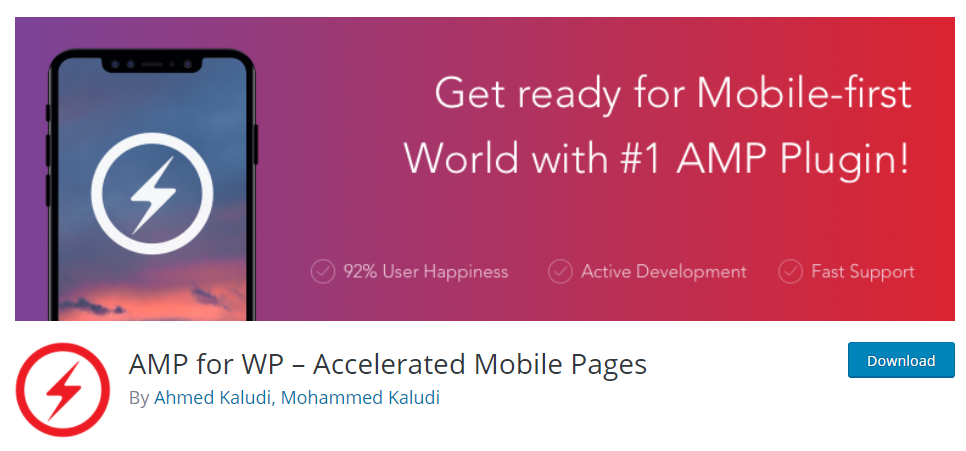
Search for ‘AMP for WP’ in your dashboard and add the plugin, then install it. Under the newly added ‘AMP’ tab in the dashboard, pick your favoured view option for panels. If ‘Advance’ is your thing, the new menu will have sections, one of which will be ‘Settings’. Click through it and you’ll be presented with a menu that includes the following:
- SEO – settings for meta descriptions, SEO plugin integration, and others.
- Performance – It has the ‘File Minification’ toggle that can help improve site loading speed.
- Analytics – This can be used to integrate with Google Analytics via the Tag Manager, or any other analytics you’d like.
- Comments – To configure comments for your AMP version, including Disqus, Facebook or even WordPress itself.
- Advanced – Here you get to set up redirects to your mobile site if you haven’t implemented Responsive Web Design, enable or disable Retina Images for that purpose, or even spice up your headers or footers with custom HTML.
‘Save Changes’, and head on over to the ‘Design’ tab, where you get to really decide how your AMP site is going to look. Either you can go the theme way and settle on an AMP theme from the ‘Theme Selector’, or you can go the extra mile and customize it just how you like it.
Setting it up
There are options under the ‘Global’ tab. including fonts and colour schemes, as well as choices for headers, footers and sidebars on the homepage. Under the next tab, ‘Social’, you get to finish by picking the social media links you need on your AMP site. Again, you can save changes and preview the final look under the ‘AMP’ tab in ‘Appearance’.
We try to make sure our plugin recommendations have a feature-packed free version, and this one is no exception. All of the basics of implementing AMP on your WordPress site are covered, but there’s even more value to be had with premium extensions for extra features like ratings or custom post varieties, or even premium themes for AMP. These themes, in particular, can be browsed from the ‘Themes’ section under ‘Design’, or any number of purposes that sites can have.
There are even more improved features on offer if you pick one of the many premium plans for the Accelerated Mobile Pages plugin, from the $149-a-year ‘Personal’ plan to the ‘Agency’ plan that’s priced at $499 a year.
Wrapping it up
That wraps up our discussion on the first plugin to AMP your way through WordPress, and we’ll see you next time with yet another plugin, and details on validating the final AMP site.
However, if you decide you’d rather hand this process over to professionals and get a reliable and great-looking result that’s on-brand, you know who to call. That’s right, our team at Vipe Studio.
More on The Topic
- Navigating the Chaos of WordPress API Dependencies
- WordPress and AI: The Fine Line Between Engagement and Manipulation
- API-Driven WordPress Solutions: The Cost of Over-Engineering
- Custom CRM Development in WordPress: Balancing Flexibility and Risk
- Decoupling WordPress: Is Performance Worth the Complexity?
Tags: ampamp project
The content of this website is copyrighted and protected by Creative Commons 4.0.
